Applications
BIM / building file
X2B BIM is the building file for operation and maintenance: technical systems, contacts, documents, maintenance dates and faults, right inside the platform that already controls your building.
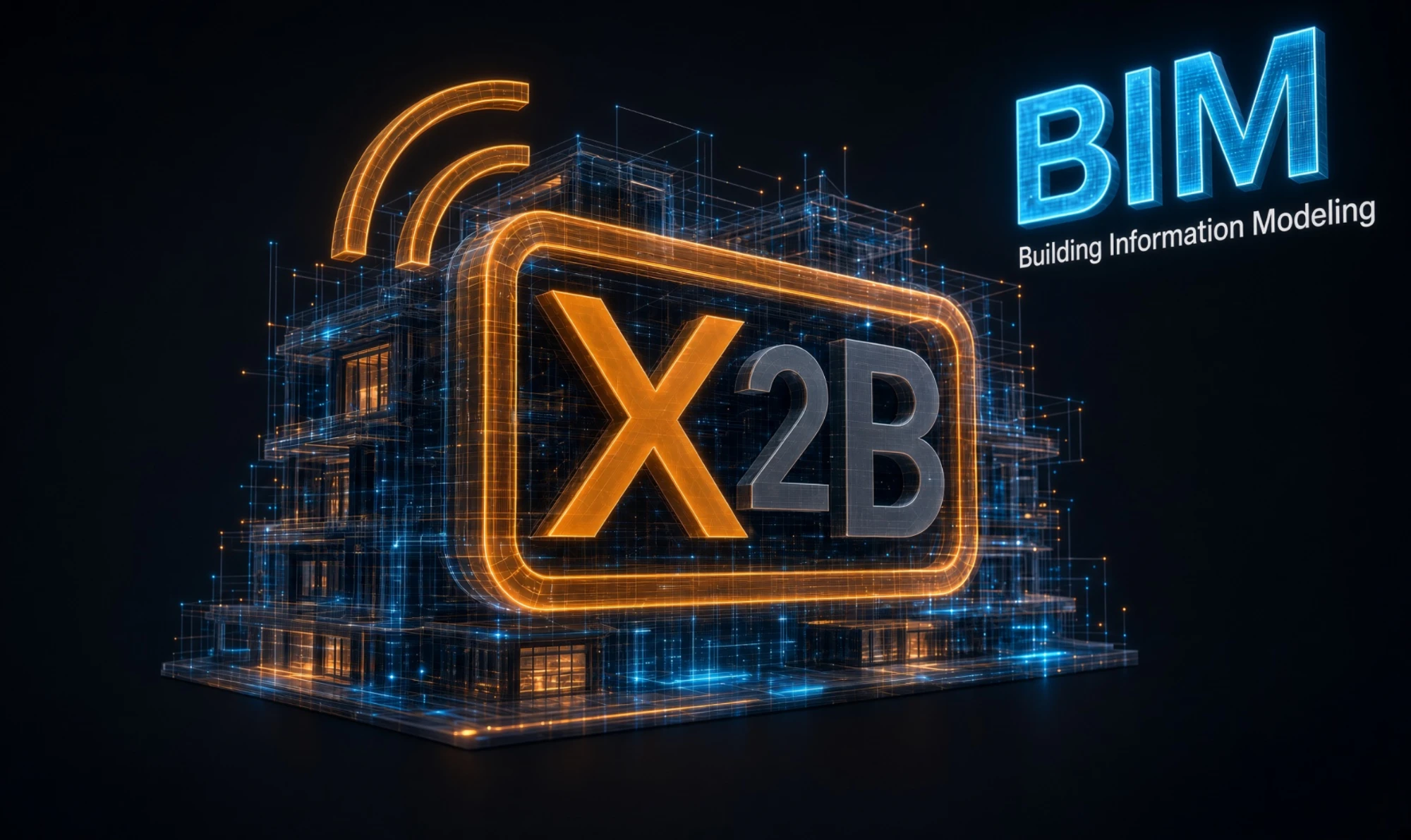
In operation, plans, data sheets, maintenance contracts and contacts are often scattered across folders and heads. X2B BIM brings them together with the devices X2B already knows. When a fault occurs, you immediately know what is affected and who is responsible.
Record buildings and devices
- Site, building, floor, room, distribution board and zone
- Type and trade per component
- Supply relations: what feeds what
- KNX import from the ETS project file
- Distribution plan import from CSV with a check before import
Read more
The building structure runs from site down to room and distribution board. Each component gets manufacturer, product, serial number, installation location and, where available, its physical address. Parts such as the cabin and doors of a lift inherit responsibility and notification.
Contacts and responsibilities
- Responsibility per component, passed on to parts
- Phone and e-mail directly at the fault and the device
- Roles: property management, caretaker, service company, manufacturer
Read more
Contacts with a role such as property management, caretaker, service technician or manufacturer can be linked to system users. E-mail and phone then come from the user and apply everywhere.
Documentation
- Documents per component
- One document for several components
- Open with one click in the browser
Read more
Manuals, data sheets, maintenance plans, certificates and test reports are attached to the component and open with one click in the browser. One document can belong to several components.
Maintenance, inspections and intervals
- Overview: overdue, 30 days, 90 days, later
- Search by text, type, trade and contact
- Due dates as a message in the platform
- Test report as a document in the service history
Read more
Dates for maintenance, inspection and statutory inspection have a due date and a repeat in months. When a date is reported as done, X2B sets the next one automatically. The service history shows who maintained or replaced what, and when.
Faults and notification
- Recipients configurable, also as the parent component
- Acknowledgement with name and time
- Escalation if a fault is not acknowledged, default 60 minutes
- Fault history per component
Read more
Each component can have several messages with a severity: fault, warning or notice. They come from the data points of the system, for example fault contact, emergency call, filter monitor or door open. On a fault, a message and an e-mail go to those responsible.
Standards and data exchange
- Own classification systems with codes
- UUID per object, basis per ISO 12006-3
- COBie export as an Excel file
- Data structure related to IFC and DIN 31051
Read more
Classifications per ISO 12006-2 such as Uniclass, OmniClass or DIN 276 can be attached to components and locations. Every object has a unique global identifier, also in IFC notation. For exchange there is a COBie export as an Excel file.
How it fits together
- KNX project from the ETS
- Distribution plan as CSV
- Data points of the system
- Documents and test reports
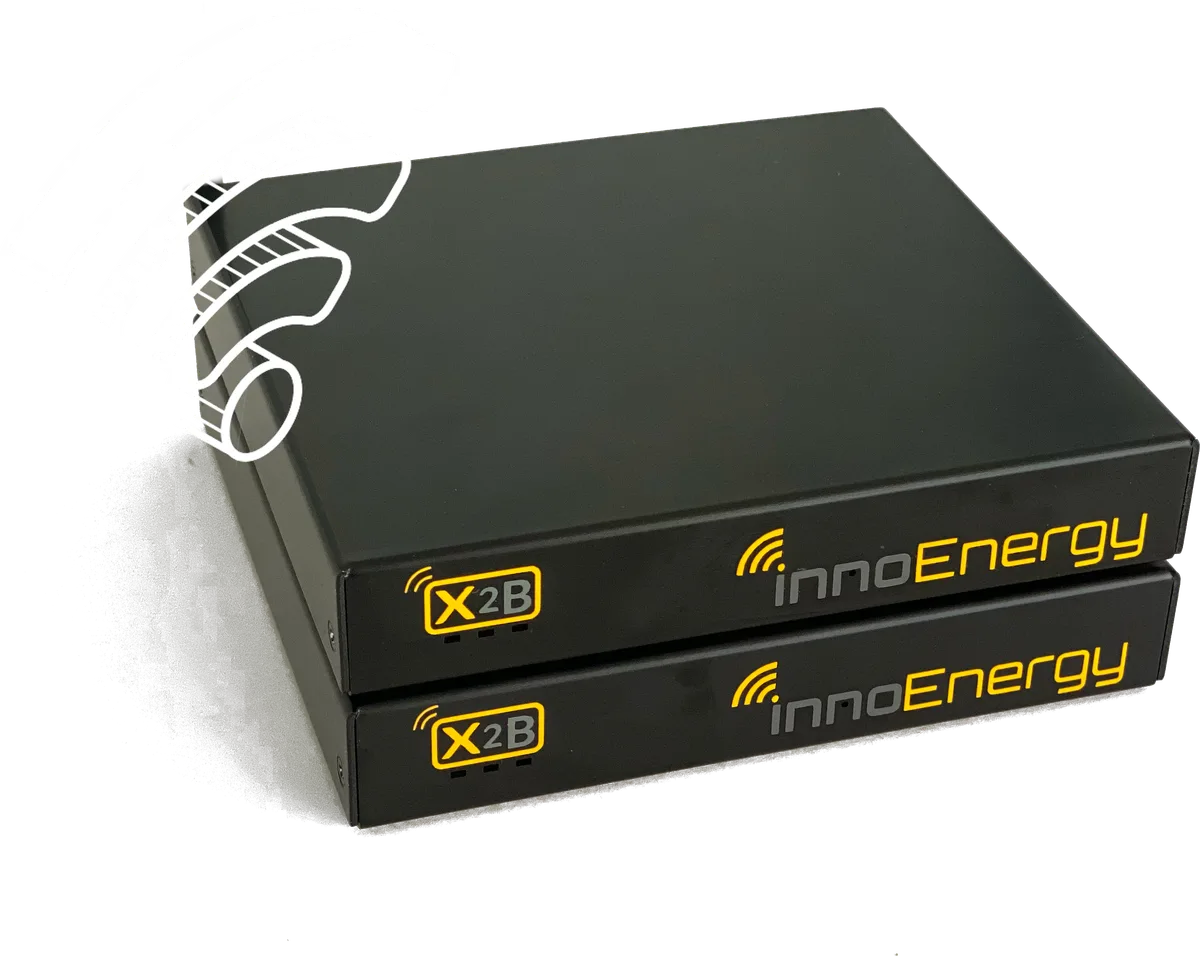
X2B box
connects, controls, records
- Building file in the browser
- Messages and e-mails to those responsible
- Maintenance date overview
- COBie export as an Excel file